Just ask
Hold a key and talk, or tap to start and stop. No typing, no searching, no switching tabs.

Spark is the AI sidekick on every desk. Your people ask out loud and get pointed to the next step in any platform, so work stops waiting on the one person who knows how.
times a day the average worker toggles between apps and websites, losing almost 4 hours a week to reorienting.
a day spent searching for and gathering information, close to a fifth of the working week.
to roll out traditional in-app walkthrough software, with guides to build and maintain for every app.
Teams already have ways to get unstuck. Each one costs time, money or someone else's focus.
| What matters | Spark | Docs & videos | Asking a colleague | Walkthrough software | AI chatbots |
|---|---|---|---|---|---|
| Works in any tool, including clients' and vendors' | YesAny tool | PartlyIf someone wrote it | PartlyIf they know it | NoOnly apps you set up | Yes |
| Shows the exact spot to click | YesEvery time | No | PartlyOver a screen share | PartlyPre-built flows only | NoYou describe the screen |
| Nothing to build or maintain | YesInstall and ask | NoConstant upkeep | Yes | NoGuides for every app | Yes |
| Nobody else gets interrupted | Yes | Yes | NoTwo people stop | Yes | Yes |
| Hands-free: just ask out loud | Yes | No | Yes | No | PartlySometimes |
| Moves work between machines | YesSpark Drop | No | No | No | No |
Pick a question, then press and hold the key, the same way your team would at their desks.
On your Mac, the talk key is yours to choose. You can also tap once to start and once to stop.
Agencies, product teams and operations groups that live in a dozen platforms at once.

Each client runs a different CRM, CMS and ad account, set up their own way. Spark gets your people to the right setting in whichever one is open, so billable hours go to the work, not the hunt.
Drop a file, image, prompt or link on Spark and pick where it goes. It's waiting on the other machine seconds later. No emailing yourself, no chat threads to dig through. Try it below.
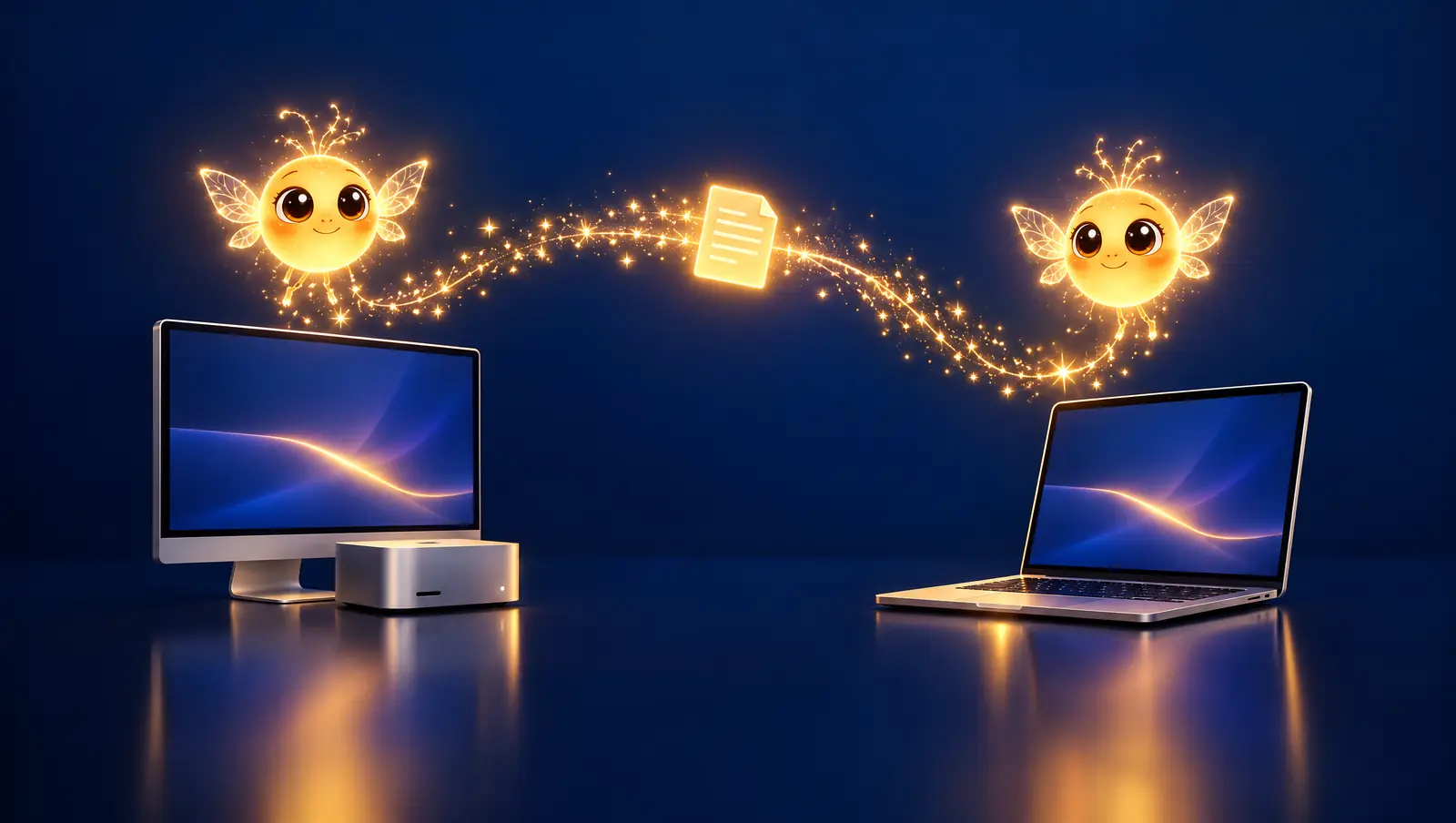
Give each person a Spark on every machine they use: desk, laptop, studio, conference room. Mac today, with Windows coming soon so work moves across Apple and Windows too.
on 2 Macs, one account
Move the sliders to match your team. Every number here is your own estimate.
About 0 minutes per person per week, over 46 working weeks. This is your estimate, not a promise.
Hold a key and talk, or tap to start and stop. No typing, no searching, no switching tabs.
Hear the answer out loud in Spark's own voice, or keep it quiet in his bubble.
A gold ring lands on the exact button, field or menu. The click is always yours.
Spark moves aside so nothing he says covers what he's showing you.
Tell him what you're working toward and every follow-up stays on track.
CRMs, ad platforms, design tools, spreadsheets, code editors, admin consoles.
Files, images, prompts and links between your machines, with accept, decline and recall.
One Spark per machine, as many machines as you like, all under one account.
Send to a teammate or a whole team, keep everyone working the same way, and see usage per person.
Spark is in private preview. Book a walkthrough and we'll show you Spark inside the platforms your people use every day.